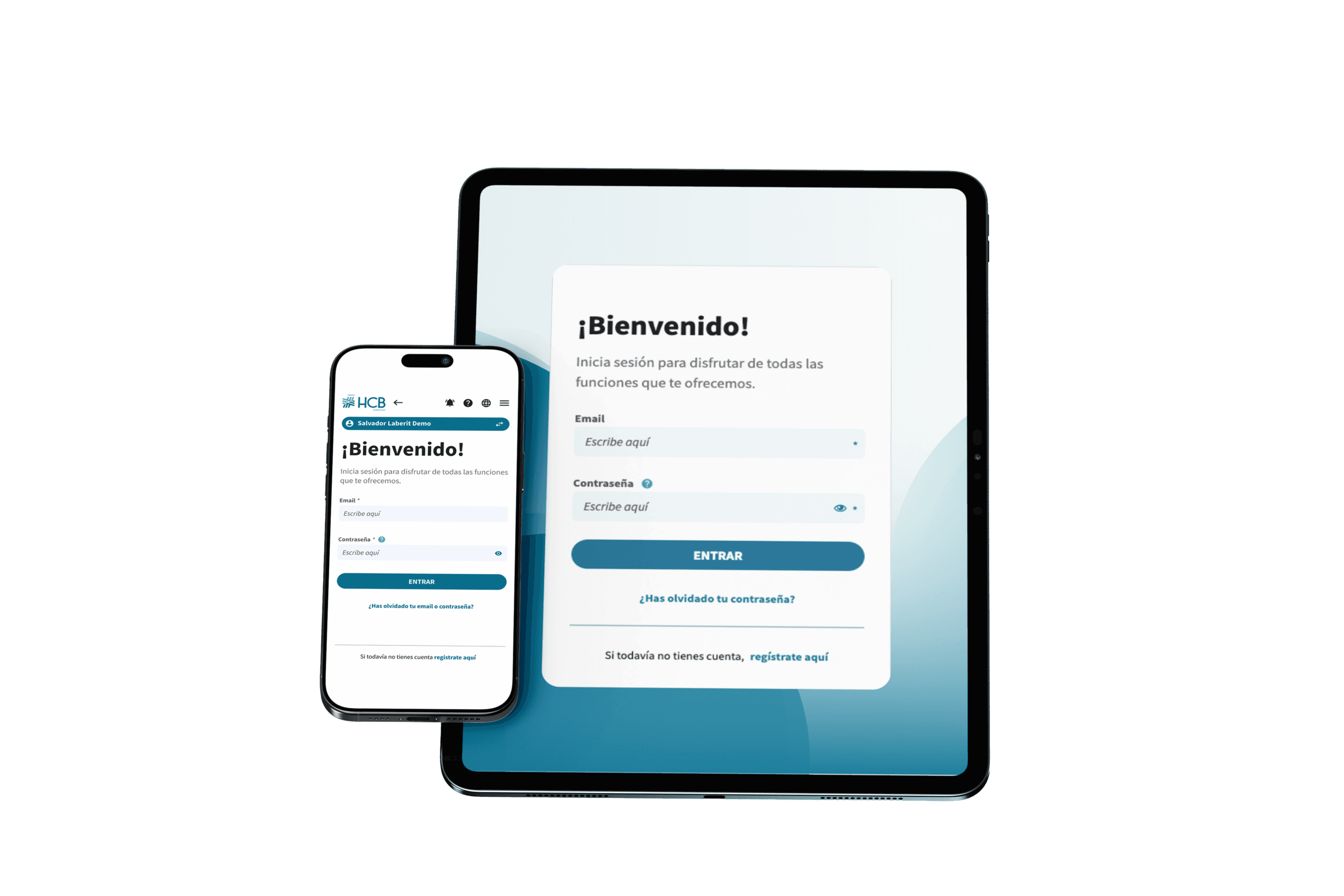

HCB Care:

Manage your health online

HCB Care is the new patient portal from HCB Hospitals. Through this digital platform, you can manage your medical appointments, access your medical records, and view information related to your healthcare in a convenient and secure way.

Available in Spanish and English, accessible from any device, with no need to install any apps.


What you can do with HCB Care

With the new patient portal, you’ll have full control over your health right at your fingertips—quickly and easily.

Manage your appointments

Schedule a medical appointment
Confirm scheduled appointments
Modify or reschedule an appointment
Cancel appointments if necessary

Manage your documents

Download attendance records
View invoices
Documents related to appointments

Access your medical information

View test results
Access medical reports
Download clinical documentation

Plan your visits

View instructions before tests or appointments
Access information about the medical center
View location and contact information

My Circle

It lets you add profiles for family members or dependents (such as children or elderly relatives) and manage their appointments, documents, and medical information all from a single account. Everything is centralized for your convenience.

Hospital Check-In (COMING SOON)

You can check in at the medical center directly from your phone and access the digital kiosk without having to go through registration first. Save time on your visits.

Access from any device

HCB Care works as a web app, so you can access it from your phone, tablet, or computer without having to download any apps from app stores.

Tip! You can create a shortcut on the home screen of your phone or tablet with the HCB Care icon, and it will be just as easy to open as a regular app.

How to Access HCB Care

If you are an HCB Patient user

(our previous app and website)

You can access HCB Care with the help of the technical team or on your own using the same login credentials as the previous portal.

If you haven't received an email from HCB to complete the change, you can start the process yourself. Simply begin the registration process by entering your email address under “SIGN UP HERE.”

*Important: Enter your personal information exactly as it was recorded during your first visit to HCB Hospitals or the previous portal.

If you've already received your login details for the migration, follow the instructions provided or log in directly using your email address and new password.

If you don't have an account yet

You can easily sign up from the login page.

To avoid any issues with your registration, it is essential that you enter your personal information exactly as it was recorded during your first visit to HCB Hospitals.

Having trouble signing up or logging in?

Our support team is here to help you with the new portal.